Vacation Rental Check-In Instructions: What to Include
Vacation rental check-in instructions that guests can follow: what to include, when to send them, and how to keep them accurate across properties.
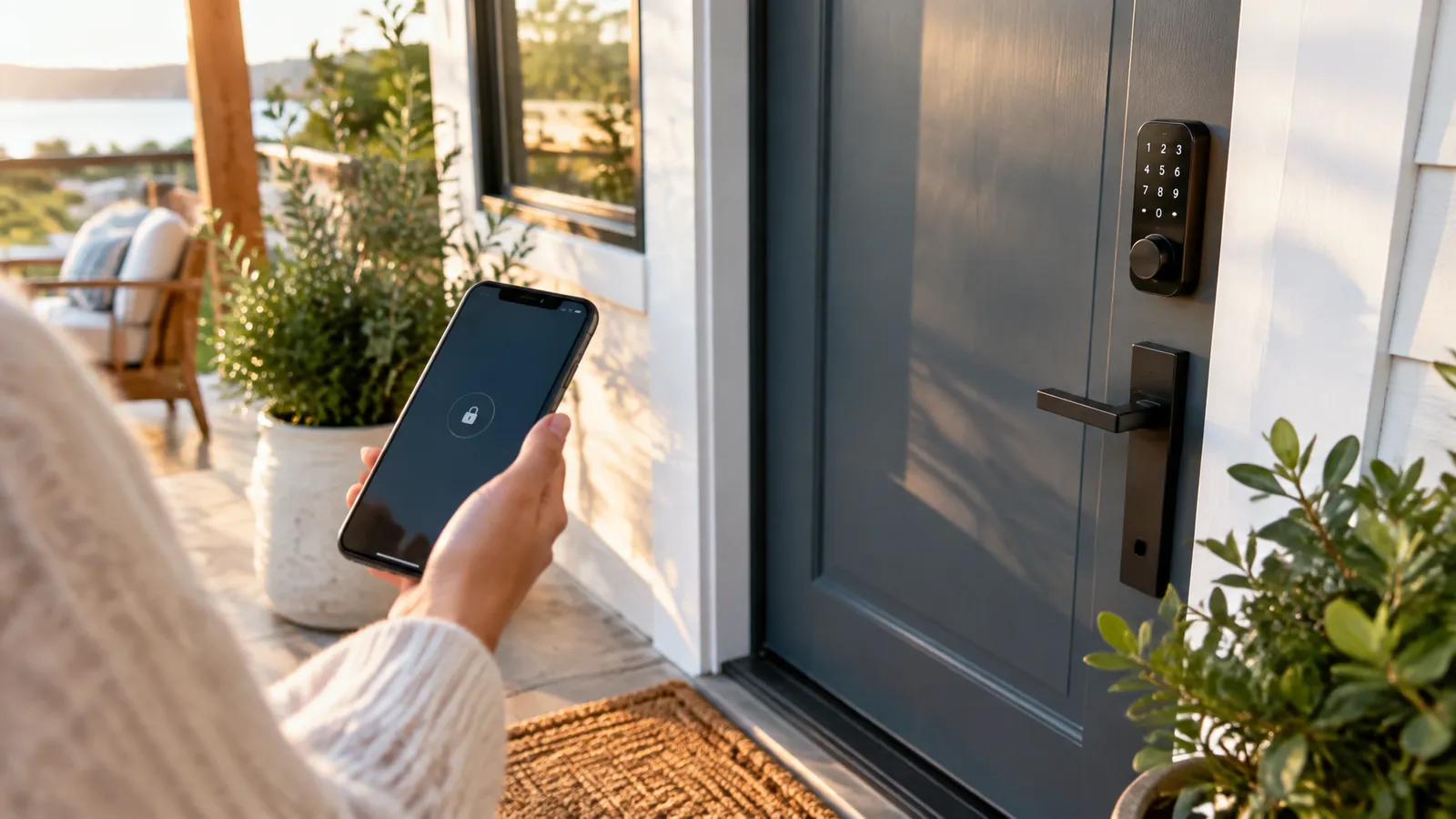
Vacation rental check-in instructions should get a guest from the road to the couch with no phone calls: clear directions, a tested entry method, the essentials inside the home, safety basics and a way to reach you. Sent at the right time and written for a phone screen, they prevent most arrival-day problems.
Key Takeaways
Strong check-in instructions put the entry steps first, arrive in stages, and are reviewed whenever something at the property changes.
| Point | Details |
|---|---|
| Lead with entry | Put directions and access steps before welcome text and policies. |
| Send in stages | Confirm at booking, send full details before arrival, remind on the day. |
| Include safety basics | Tell guests where smoke and carbon monoxide alarms and extinguishers are. |
| Write for scanning | Use short headings, numbered steps and plain language. |
| Review on a schedule | Update the master template whenever a lock, Wi-Fi or parking detail changes. |
Table of Contents
- What Should Vacation Rental Check-In Instructions Include?
- When Should You Send Check-In Instructions to Guests?
- How Do You Write Arrival Directions Guests Can Follow?
- How Should You Explain Self Check-In Access?
- What Safety Information Belongs in Check-In Instructions?
- How Do You Cover Wi-Fi, Parking and House Rules Without Overwhelming Guests?
- How Do You Make Instructions Easy to Scan on a Phone?
- Which Delivery Channels Work Best for Check-In Instructions?
- What Do Operators Get Wrong About Check-In Instructions?
- How Do You Keep Instructions Accurate Across Many Properties?
- How RealtevoOS Handles Guest Check-In Communication
- Frequently Asked Questions About Check-In Instructions
- Sources
What Should Vacation Rental Check-In Instructions Include?
Good check-in instructions answer four questions before the guest has to ask: how do I get there, how do I get in, what do I need to know once inside, and who do I contact if something goes wrong. Everything else is optional detail.
- Arrival details — the full address, a parking spot, and the last few turns that map apps get wrong.
- Entry method — exactly how the door opens, what to do if the code fails, and when the code becomes active.
- Essentials inside — Wi-Fi name and password, thermostat basics, trash and recycling days, and where to find extra linens.
- Safety basics — where smoke alarms, carbon monoxide alarms, fire extinguishers and first aid supplies are located.
- House rules in brief — quiet hours, occupancy limit, smoking and pet policy, written in plain language.
- A real contact path — who responds, how fast, and what counts as an emergency versus a normal question.
A tired guest wants the shortest path to the couch, so put entry steps before policies.
When Should You Send Check-In Instructions to Guests?
Send them in stages rather than in one big message: a confirmation at booking, a full instruction set shortly before arrival, and a short “you’re all set” nudge on the day itself.
- At booking — confirm the stay, set expectations for self check-in, and ask for an estimated arrival time.
- Before arrival — send the complete instructions, including access details, so the guest can screenshot them while they still have a strong signal.
- Arrival day — send a brief reminder with the one thing they need most: how to get in and who to contact.
- After entry — a quick check that everything works catches a bad lock battery or a missing remote while you can still fix it.
Timing matters for security too. Releasing a door code too early gives it a longer life than necessary, so many operators activate codes only for the stay window and share them close to arrival. Our guide on automating the guest onboarding process covers how to schedule these messages without doing it by hand.
How Do You Write Arrival Directions Guests Can Follow?
Write directions for someone who is arriving in the dark, in the rain, with a car full of luggage and a phone at ten percent battery.
- Lead with the address and a map pin — include a link that opens the right pin, not just the street name, since many rural and gated communities have confusing addresses.
- Use landmarks, not compass directions — “turn left at the white mailbox” beats “head north.”
- Describe the last 100 feet — gate codes, which driveway, which door, and where the entry panel sits.
- Say where to park — and where not to, particularly in condos and HOA communities with towing rules.
- Add a photo — one picture of the front door and parking area removes most “I think I’m at the wrong house” messages.
How Should You Explain Self Check-In Access?
Explain access as a numbered sequence with a fallback, because the most common arrival problem is a lock or lockbox that does not behave the way the guest expects.
Use a short checklist that a guest can follow without reading anything else:
- Find the entry point and describe it (“the black keypad to the right of the front door”).
- State the code and when it activates, and tell the guest to press the lock button or key before entering digits if that is how the model works.
- Say what to expect after a correct entry, such as a beep or a green light.
- Provide a fallback: a backup code, a lockbox location, or a phone number to call.
- Remind the guest how to lock up when leaving, and whether the door locks automatically.
Test the instructions at every property. If someone who has never visited can get in using only your text, a guest probably can too.
What Safety Information Belongs in Check-In Instructions?
Tell guests where life-safety equipment is and what to do in an emergency, in two or three plain sentences, not a legal paragraph.
- Smoke alarms — the NFPA smoke alarm guidance covers where alarms belong and how often they should be tested, which is the basis for your own property checklist.
- Carbon monoxide — the US EPA explains that carbon monoxide is an odorless, colorless gas, which is why working alarms and clear guidance for guests matter; see also NFPA carbon monoxide safety.
- Fire extinguisher and first aid kit — tell guests the room and shelf, not just “in the kitchen.”
- Emergency numbers and exits — list the local emergency number, the nearest urgent care, and the primary exit route for multi-floor units.
- Gas, water and breaker shutoffs — one line on where they are lets a guest act quickly in a leak or outage while you are on the way.
Requirements vary by city and state, so confirm what your jurisdiction expects.
How Do You Cover Wi-Fi, Parking and House Rules Without Overwhelming Guests?
Group the details by the moment the guest needs them, and keep house rules to the handful that actually prevent problems.
- Immediately useful — Wi-Fi name and password, thermostat, TV and streaming login, and hot water quirks.
- Used at departure — check-out time, what to do with towels and keys, and whether to start the dishwasher.
- Rules that matter — quiet hours, maximum occupancy, parking limits, smoking and pet policy, and any HOA rules that carry fines.
When the property has appliances with a learning curve, link to a short video or photo guide instead of writing paragraphs. Our article on guest FAQ automation explains how to turn the questions guests ask most into reusable answers.
How Do You Make Instructions Easy to Scan on a Phone?
Assume the guest will read on a phone, quickly, and probably standing outside. Short lines, clear headings and numbered steps do more for comprehension than extra detail.
Nielsen Norman Group research on how people read on the web shows that people tend to scan rather than read word for word, and Nielsen Norman Group’s work on scanning patterns explains why headings and front-loaded sentences get noticed first. The federal plain language guidelines make the same point from a different direction: write for your audience, use short sentences, and keep one idea per paragraph.
- Put the action first — “Enter code 1234 on the keypad” rather than “You will find that the door can be opened using.”
- Use short headings — Arrival, Getting In, Wi-Fi, Parking, Rules, Check-Out.
- Limit the first message — anything beyond entry and contact details can go in a follow-up or a linked guide.
- Design for accessibility — the W3C’s accessibility principles — content should be perceivable, operable, understandable and robust — apply to guest guides too, so use readable contrast, descriptive link text and alt text on photos.
- Offer translations — a translated version of the entry steps helps guests who speak another language.

Which Delivery Channels Work Best for Check-In Instructions?
Use the channel your guest is already using, and send the essentials in more than one place so a single missed notification does not strand them.
- Booking-channel messaging — convenient and keeps the history attached to the reservation, but guests do not always have notifications on.
- Text message — fast and easy to find at the door, provided you have consent and a number you can reply from.
- Email — good for the full guide with photos, because guests can search for it later.
- A digital guidebook — a linked page with maps, photos and appliance videos keeps the initial message short.
For an overview of tone and timing across all of these, see our guest communication best practices.
What Do Operators Get Wrong About Check-In Instructions?
The most common mistake is writing the instructions once and never reviewing them against what guests actually ask.
- Burying the entry steps — three paragraphs of welcome and policy before the guest learns how to open the door.
- Assuming the guest knows the lock — every keypad and smart lock behaves a little differently.
- Stale details — a changed Wi-Fi password or swapped lockbox that never made it into the template.
- No fallback — one code, one number, and no plan if either fails.
- Copy-paste across properties — a message that mentions the pool for a unit that has none.
- Treating the message as a policy document — a long block of rules at arrival reads as distrust; keep the tone warm and the essentials brief.
If the same question keeps coming back, treat it as a defect in the instructions, not a problem with the guest.
How Do You Keep Instructions Accurate Across Many Properties?
Use one master template with property-specific fields, and review it on a schedule that is tied to real events such as a lock change, a furniture swap or a new vendor.
Work through this checklist at each property review:
- Confirm the address, map pin and parking description still match reality.
- Verify the entry method works, including the fallback, and replace lock batteries on a schedule.
- Check that Wi-Fi details, streaming logins and appliance guides are current.
- Confirm smoke and carbon monoxide alarms are present, working and described correctly.
- Update house rules and local recommendations, including any new HOA or municipal requirements.
- Read the final message on a phone and cut anything the guest does not need before arrival.
Track which questions guests send after reading the instructions. Those messages show you exactly which line to clarify.
How RealtevoOS Handles Guest Check-In Communication
RealtevoOS is an AI-powered operating system for vacation rental operators, and guest communication sits in the same place as your operations, so check-in details stay consistent with the rest of the property record.
- Unified guest inbox — conversations from your booking channels appear in one inbox, so arrival questions are answered from a single place.
- AI that learns your SOPs — you load your own procedures, such as entry steps and house rules, and the assistant draws on them when guests ask about check-in.
- Operations in the same system — maintenance tracking and crew coordination sit alongside messaging, so a lock or Wi-Fi problem reported at arrival can be routed to the right person.
You stay in control of the content: the quality of the instructions still comes from your property knowledge. The platform helps you deliver them consistently and answer follow-up questions faster.
Frequently Asked Questions About Check-In Instructions
How long should check-in instructions be?
Long enough to cover arrival, entry, Wi-Fi, parking, safety basics and a contact, and no longer. Put entry steps first, and move extras such as local recommendations into a linked guide.
Should I send check-in instructions by text or email?
Many operators use both: a short text with the entry steps for the moment of arrival, and an email or linked guide with photos and full detail. Use whichever channel your booking platform and consent rules allow.
When should the door code be shared with guests?
Share it shortly before arrival and activate it only for the stay window, so the code does not stay valid longer than necessary. Include a fallback in case the code does not work.
What safety information should guests receive?
Locations of smoke alarms, carbon monoxide alarms, fire extinguishers and first aid supplies, plus emergency numbers and exit routes. Check your local requirements for anything that must be posted.
How often should I update check-in instructions?
Review them whenever something physical changes, such as a lock, Wi-Fi router or parking arrangement, and at a regular property review. Update the master template so every property benefits.