Vacation Rental Noise Monitoring: A Privacy-First Guide
Vacation rental noise monitoring guide: how privacy-safe sensors work, where to place them, setting quiet-hour thresholds, alert response and guest disclosure.

Vacation rental noise monitoring uses privacy-safe sensors that measure sound levels — not conversations — to warn you when a stay is getting too loud, so you can step in before neighbors, owners or the property pay the price. It works only when it is disclosed, set up sensibly and paired with a clear response plan.
This guide covers how the devices work, the privacy and legal basics, placement, thresholds, what to do when an alert fires, how to tell guests and how to keep the devices secure.
Key Takeaways
Noise monitoring protects neighbors, owners and properties when it is transparent, privacy-safe and backed by a consistent response.
- Levels, not audio — Choose sensors that measure sound levels and never record conversations.
- Disclose everywhere — Mention the device in the listing, house rules and pre-arrival message.
- Common areas only — Mount sensors in living areas or near entrances — never bedrooms or bathrooms.
- Tune before alerting — Base thresholds and quiet hours on a quiet-stay baseline and your house rules.
- Respond in steps — Message first, then call, then escalate per your SOP, and log every incident.
Table of Contents
- What Is Vacation Rental Noise Monitoring?
- Why Do Operators Monitor Noise at All?
- How Do Noise Monitoring Devices Work?
- Is Noise Monitoring Legal and Privacy-Safe?
- Where Should You Place a Noise Sensor?
- How Do You Set Noise Thresholds and Quiet Hours?
- What Should Happen When a Noise Alert Fires?
- How Do You Keep Connected Devices Secure?
- What Operators Get Wrong About Noise Monitoring
- How RealtevoOS Supports Your Noise Response Workflow
- Frequently Asked Questions About Noise Monitoring
- Sources
What Is Vacation Rental Noise Monitoring?
Vacation rental noise monitoring is the use of a small sensor that measures sound levels inside or around a rental and alerts the operator when noise stays above a set threshold for a set time — without recording what anyone says.
It is an early-warning system, not a surveillance system. The goal is to notice a gathering that is getting out of hand while there is still time for a friendly message, long before a neighbor calls the city or the owner calls you.
- Measures levels, not words — privacy-focused devices report a sound-level reading over time rather than capturing audio.
- Alerts on sustained noise — a door slam or a dropped pan should not trigger anything; a loud hour after quiet hours should.
- Supports a response workflow — the sensor only tells you something is happening — your team still decides what to do.
- Works alongside house rules — monitoring enforces quiet hours and occupancy limits that the guest already agreed to.
Why Do Operators Monitor Noise at All?
Operators monitor noise because unmanaged parties and late-night noise damage neighbor relationships, owner trust and the property itself, and usually you hear about them only after the fact.
Noise is not just an annoyance. The U.S. EPA notes its role, under the Noise Control Act of 1972 and the Quiet Communities Act of 1978, in studying noise and informing the public about its adverse health effects, and the WHO Regional Office for Europe publishes environmental noise guidelines for protecting health. Neighbors living next to a rental feel that impact directly.
- Neighbor relations — complaints are one of the main reasons communities push for tighter short-term rental rules.
- Owner confidence — owners want to know their home is not becoming the street's party house.
- Property protection — a party that grows past the occupancy limit often leaves damage behind.
- Guest experience — in multi-unit buildings, one loud group can ruin the stay of the guests next door.
- Local compliance — many towns have quiet-hour or nuisance rules; check your local ordinances and permit conditions.
How Do Noise Monitoring Devices Work?
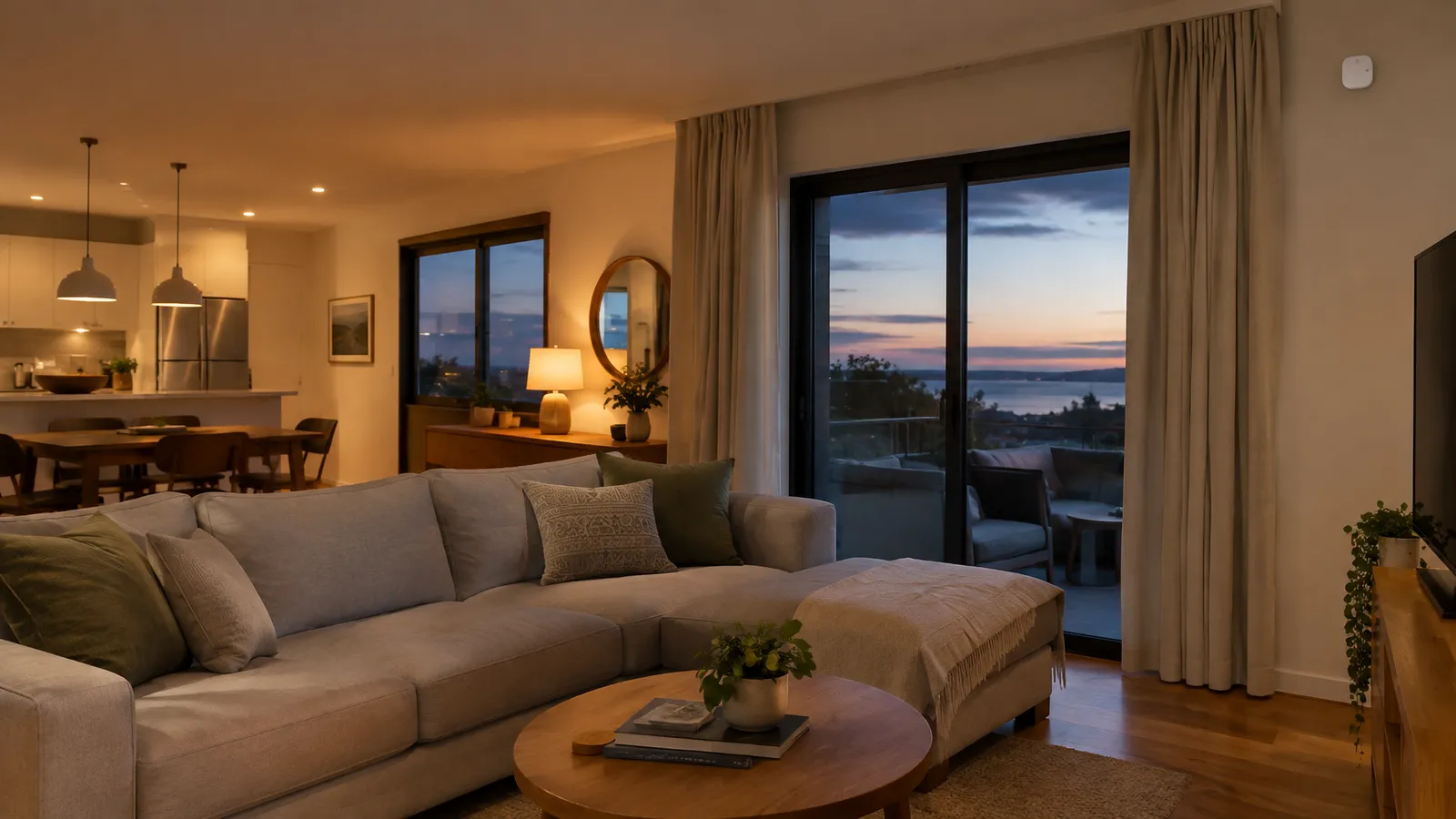
Most rental noise monitors sample the ambient sound level at regular intervals, average it over a short window and compare it with thresholds you configure for different times of day.
- Sampling and averaging — readings are smoothed so brief spikes do not count as a disturbance.
- Time-based thresholds — a daytime level and a stricter quiet-hours level reflect how people actually live in a home.
- Duration rules — an alert fires only when noise stays above the threshold for a sustained period you choose.
- Connectivity — devices typically connect over the home's Wi-Fi or a cellular link and push alerts to an app, email or text.
- Related signals — some products also estimate occupancy from nearby devices or monitor temperature or smoke; check exactly what each product collects before you install it.
Read the manufacturer's documentation for what is measured, stored and shared. If a device can capture audio at all, treat it very differently from one that cannot.
Is Noise Monitoring Legal and Privacy-Safe?
Sound-level monitoring that never records conversations is generally the privacy-safe approach, but legality depends on where you operate, what the device captures and how clearly you disclose it.
- Audio recording is different — federal wiretap law makes it unlawful to intentionally intercept oral communications except as the statute allows (18 U.S.C. § 2511), and many states add their own rules — another reason to choose devices that measure levels only.
- Never in private spaces — keep sensors out of bedrooms and bathrooms; place them in common areas such as the living room or near the main entrance.
- Disclose before booking — state in your listing, house rules and pre-arrival message that a sound-level sensor is present, where it is, why it is there and that it does not record audio — in short, plain sentences, as the federal plain language guidelines recommend.
- Follow channel rules — booking platforms publish their own policies on devices in listings; read and follow the current version for each channel you use.
- Collect the minimum — the NIST Privacy Framework is a voluntary tool for identifying and managing privacy risk — a useful lens for deciding what data you actually need.
This is general information, not legal advice. Confirm the rules for each market with local counsel before you install devices.
Where Should You Place a Noise Sensor?
Place noise sensors in shared living areas and near outdoor gathering spots, mounted out of reach and away from sources of constant noise, and never in a bedroom or bathroom.
- Main living area — the room where groups naturally gather gives the most representative reading.
- Near the entrance — helps catch a stream of arrivals that suggests a party.
- Outdoor spaces — decks, patios and pool areas are where noise travels to neighbors; use weather-rated devices where the manufacturer supports outdoor use.
- Away from appliances — avoid spots next to air handlers, refrigerators or speakers that cause false readings.
- Out of reach — mount high on a wall so the device is not unplugged or moved, and note the location in your property file.
How Do You Set Noise Thresholds and Quiet Hours?
Set thresholds by measuring a normal, quiet stay first, then choosing levels and durations that flag genuine disturbances without punishing ordinary conversation, cooking or a TV.
- Record a baseline — review readings from several normal stays before you turn on alerts.
- Match your house rules — align the stricter threshold with the quiet hours written in your rules.
- Choose a duration — require noise to stay elevated for a sustained window before alerting.
- Adjust per property — a detached house and a condo with shared walls need different settings.
- Respect local rules — if your town sets quiet hours, use them as the minimum.
- Review after incidents — if an alert was a false alarm or a real problem was missed, tune the settings.
Write the result into your vacation rental house rules so guests see the same quiet hours your sensor enforces.
What Should Happen When a Noise Alert Fires?
When a noise alert fires, the right response is a fast, polite, escalating sequence that starts with a message and only ends with a visit or enforcement if the guest does not respond.
- Confirm the alert — check that noise is sustained, not a single spike.
- Send a friendly first message — remind the guest of quiet hours and ask them to lower the volume.
- Wait a short, defined window — give the group a chance to respond before escalating.
- Call if noise continues — a phone call is harder to ignore than a text.
- Escalate to an in-person check — follow your SOP for sending a local contact; never put staff in an unsafe situation.
- Apply your written policy — any consequence must match what the guest accepted before booking.
- Document everything — keep the alert times, messages and outcome with the reservation.
- Close the loop — update the owner and, where appropriate, the neighbor who complained.
Good monitoring is mostly good messaging. Prepared templates and consistent tone matter as much as the device; our guide to the role of automation in guest experience covers how to keep those touchpoints consistent, and fair guest screening helps prevent problems before they start.
How Do You Keep Connected Devices Secure?
Treat every noise sensor as an internet-connected device on your network: secure the account, keep the firmware updated and limit who has access.
- Strong, unique passwords — CISA recommends long, unique passwords and a password manager (CISA).
- Multifactor authentication — turn on MFA for the device account and the app your team uses (CISA MFA guidance).
- Automatic updates — enable updates so security fixes install promptly (CISA).
- Separate guest Wi-Fi — keep devices off the network guests use where your router supports it.
- Offboard staff — remove access for people who leave your team the same day.
The NIST Cybersecurity for IoT Program publishes guidance and tools for securing connected devices if you want to go deeper.
What Operators Get Wrong About Noise Monitoring
The most common mistake is treating the sensor as the solution instead of one input to a clear, disclosed and consistently followed response process.
- Installing without disclosure — an undisclosed device, even a privacy-safe one, destroys trust when a guest finds it.
- Choosing devices that record audio — it adds legal risk and privacy concerns that sound-level monitoring avoids.
- Thresholds that are too sensitive — constant alerts train your team to ignore them.
- No after-hours owner — an alert at midnight that nobody sees is the same as no alert.
- Aggressive first messages — an accusatory tone turns a fixable situation into a bad review.
- Not logging incidents — without a record, repeat issues and owner questions are hard to answer.
How RealtevoOS Supports Your Noise Response Workflow
RealtevoOS is the operating system for vacation rental operators, and while it does not replace your noise sensor, it organizes the guest communication and follow-up that make an alert useful.
- Unified guest inbox — the reservation's full message thread sits in one inbox, so whoever is on call can message the guest immediately.
- AI guest messaging — automated pre-arrival, mid-stay and post-checkout communication helps make sure quiet hours and device disclosure reach every guest.
- AI that learns your SOPs — guest questions about the sensor, quiet hours and house rules are answered from the policies you provide.
- Maintenance tracking — damage found after a noisy stay can be logged and assigned as a maintenance task.
- Automated owner reports — monthly owner reports with maintenance logs keep owners informed about what happened and what was fixed.
You keep control of thresholds, escalation and any enforcement decision; RealtevoOS keeps the conversation and the record in one place.
Frequently Asked Questions About Noise Monitoring
Do vacation rental noise monitors record conversations?
Privacy-focused noise monitors measure sound levels over time rather than recording audio. Check each product's documentation, and choose devices that cannot capture conversations.
Where should a noise sensor be placed in a rental?
In shared living areas, near the main entrance or outdoor gathering spaces, mounted out of reach. Never place a sensor in a bedroom or bathroom.
Do I have to tell guests about a noise monitor?
Disclosing it is best practice and is often required by channel policies or local rules. State in the listing and house rules where it is and that it does not record audio.
What should I do when a noise alert goes off?
Confirm the noise is sustained, send a friendly message, wait a short window, then call and escalate according to your written SOP. Document every step with the reservation.
Can noise monitoring prevent parties?
It cannot stop a party on its own, but combined with clear house rules, disclosure, guest screening and a fast response, it helps you intervene early.
Sources
- U.S. EPA — Clean Air Act Title IV: Noise Pollution
- WHO Regional Office for Europe — Environmental Noise Guidelines for the European Region
- Cornell LII — 18 U.S.C. § 2511, Interception of wire, oral, or electronic communications
- NIST — Privacy Framework
- NIST — Cybersecurity for IoT Program
- CISA — Use Strong Passwords
- CISA — Turn On Multifactor Authentication
- PlainLanguage.gov — Federal Plain Language Guidelines