Vacation Rental Smart Lock Management: An Operator's Guide
Vacation rental smart lock management: how to issue unique door codes, time guest access, secure lock accounts, maintain devices and handle lockouts.
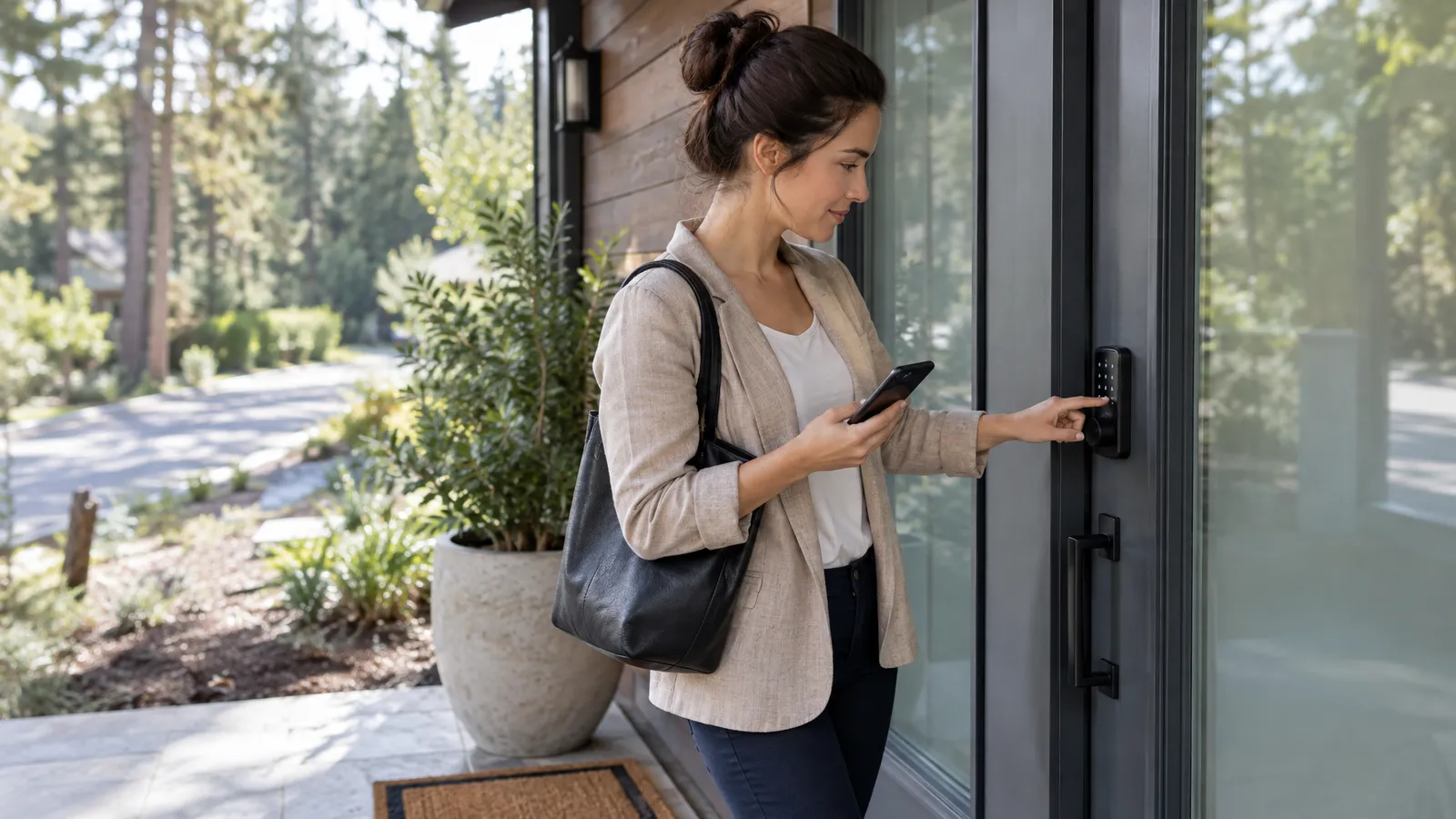
Vacation rental smart lock management means giving every guest, cleaner and vendor their own time-limited code, protecting the account that controls your doors, and keeping the hardware healthy. Done well, it removes key handoffs and lockouts; done loosely, it creates security gaps between stays.
Smart locks are connected devices, and NIST’s Cybersecurity for IoT Program exists because connected products need ongoing security attention, not just installation. This guide turns that idea into a practical routine for operators.
Key Takeaways
Smart locks save time only when codes, accounts and devices are managed as one routine.
- One code per person — Unique codes for each stay, staff member and vendor.
- Time-limited access — Codes start at check-in and expire at check-out.
- Secure the account — Strong, unique passwords and multifactor authentication.
- Maintain the hardware — Batteries, firmware, connectivity and a backup key.
- Plan for lockouts — A written, step-by-step response anyone can follow.
Table of Contents
- What Is Smart Lock Management for Vacation Rentals?
- Why Does Smart Lock Management Matter for Operators?
- How Should You Structure Door Codes Across Stays and Staff?
- When Should Guest Codes Activate and Expire?
- How Do You Send Door Codes to Guests Safely?
- How Do You Secure the Lock App and Accounts?
- How Do You Keep Smart Locks Working Day to Day?
- What Should Happen When a Guest Is Locked Out?
- What Do Operators Get Wrong About Smart Lock Management?
- How RealtevoOS Handles Smart Lock Operations
- Frequently Asked Questions About Smart Lock Management
- Sources
What Is Smart Lock Management for Vacation Rentals?
Smart lock management is the set of rules and routines that decide who gets a code, when it works, when it expires, and who fixes the lock when something goes wrong.
Installing a keyless lock is the easy part. Managing it across many stays, cleaners, vendors and owners is where operators either gain hours back or create a new source of lockouts and late-night calls.
- Code issuance — creating a unique code for each guest stay and each staff member or vendor.
- Time windows — making sure every code starts and stops at the right moment.
- Account security — protecting the app or portal that controls every door in your portfolio.
- Device health — batteries, firmware, connectivity and the physical lock itself.
- Guest communication — delivering the code and entry steps clearly, at the right time.
Why Does Smart Lock Management Matter for Operators?
Because the front door is the first thing every guest touches, a lock problem turns a good stay into a bad first impression within seconds.
- Arrival experience — a code that works on the first try sets the tone; one that fails starts the stay with a phone call.
- Security between stays — codes that never expire leave past guests and former contractors with a working way in.
- Turnover control — crew and vendor codes let you see who entered and when, instead of relying on a hidden key.
- Fewer physical keys — no lost keys to replace, no lockbox codes shared on group chats.
- Scalable process — the same routine works whether you manage five doors or five hundred, if it is written down and followed.
How Should You Structure Door Codes Across Stays and Staff?
Give every guest stay, every staff member and every vendor their own code, and never reuse a code for a different person.
Shared codes make it impossible to know who entered and impossible to cut off one person without disrupting everyone else. CISA’s advice to make passwords long, random and unique is written for online accounts, but the principle carries over: a code that belongs to one person and one purpose is far easier to control.
- Guest codes — one per reservation, active only from check-in to check-out.
- Cleaner codes — one per cleaner or crew, ideally limited to turnover windows.
- Vendor codes — one per vendor visit, issued for the job and removed when it is done.
- Owner codes — a separate code for owner stays, so owner access never depends on guest codes.
- Emergency code — a master or backup method held by a small number of senior team members and recorded securely.
Avoid predictable patterns such as street numbers, birthdays or simple sequences, which are easy to guess.
When Should Guest Codes Activate and Expire?
A guest code should start working at check-in time and stop working at check-out time, with any change made only after you approve it.
- Activate at check-in — if a guest arrives early without approval, they should not walk in on a cleaner mid-turnover.
- Expire at check-out — an expired code protects the next guest and the crew that arrives to clean.
- Adjust for approved changes — early check-in or late check-out approvals should update the code window at the same time as the schedule.
- Confirm readiness first — move the start time only once the unit is cleaned and inspected.
- Log the change — note who changed the window and why, so the team can follow the history.
For back-to-back stays, these windows are what keep the crew and the incoming guest from overlapping. Our guide to coordinating same-day turnovers covers the scheduling side.
How Do You Send Door Codes to Guests Safely?
Send the code close to arrival, through your normal guest messaging channel, together with simple step-by-step entry instructions.
- Send it at the right time — a code sent weeks in advance is more likely to be lost, forwarded or forgotten.
- Pair it with instructions — explain which door, how to enter the code and how to lock the door when leaving.
- Write for a phone screen — the federal plain language guidelines recommend short sentences and common words; a guest standing at the door with luggage needs exactly that.
- Repeat it on arrival day — a short reminder with the code avoids a scroll through a long message thread.
- Do not post codes publicly — keep codes out of listing descriptions, printed guidebooks left in the unit and public photos.
Door access is usually one step in a larger arrival message. Our article on vacation rental check-in instructions shows what else to include.
How Do You Secure the Lock App and Accounts?
Treat the account that controls your locks like the keys to every property at once, because that is what it is.
- Use strong, unique passwords — CISA recommends passwords of at least 16 characters, random and different for each account, stored in a password manager.
- Turn on multifactor authentication — CISA’s guidance to turn on MFA applies directly to lock management apps and portals that support it.
- Give each team member their own login — shared logins make it impossible to remove one person’s access when they leave.
- Limit admin rights — only the people who truly need to create master codes or add devices should have that permission.
- Review access when roles change — remove former staff and vendors from accounts the same day they leave.
How Do You Keep Smart Locks Working Day to Day?
Keep locks reliable with a simple maintenance routine covering batteries, firmware, connectivity and the physical hardware.
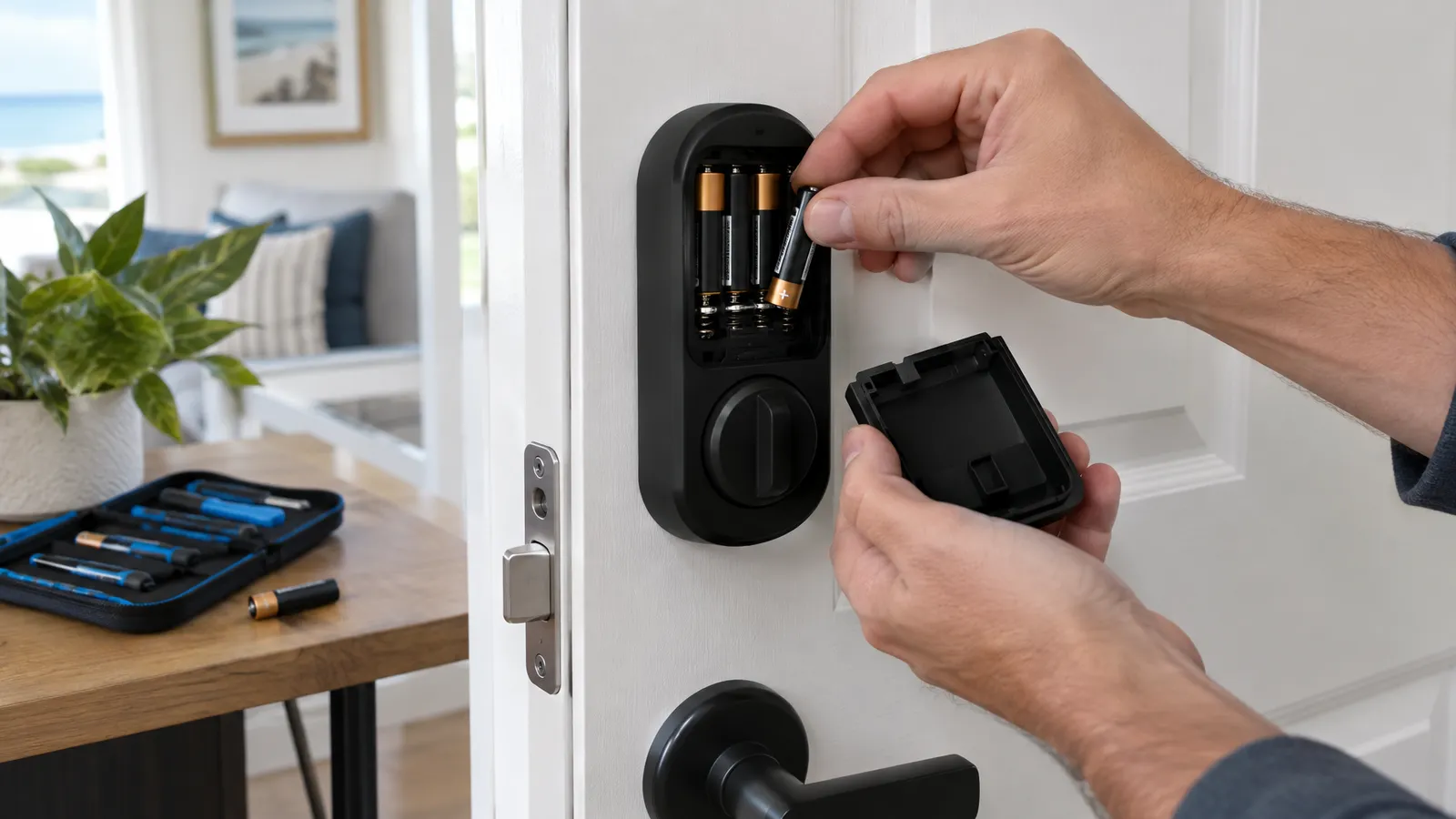
Use this checklist at a set interval and during turnovers:
- Check battery level in the lock app, and replace batteries before the lock reports critical.
- Install firmware and app updates; CISA advises people to turn on automatic updates where devices allow it.
- Confirm the lock is online and reporting to its hub or Wi-Fi network.
- Test a guest code and a staff code at the door, not only in the app.
- Check the physical lock: the bolt should extend fully and the door should close without force.
- Confirm a backup entry method works, such as a physical key held by your team.
- Log any issue as a maintenance task with an owner and a due date.
Locks connected to a home network are only as secure as that network. CISA’s home network security guidance recommends changing default log-in passwords and usernames and adjusting factory-default settings on devices and routers.
What Should Happen When a Guest Is Locked Out?
Have a written lockout plan before you need it, so whoever answers the message can solve the problem in minutes.
- Confirm the guest is at the right property and the right door.
- Check whether the code window is active and the code matches the reservation.
- Check battery and connectivity status in the lock app.
- If the app allows, unlock remotely or issue a fresh code.
- If the lock is unresponsive, send the nearest team member or vendor with the backup key.
- Keep the guest updated with a realistic time at every step.
- After the stay, record the cause and fix it so it does not repeat.
Nielsen Norman Group’s usability heuristics include helping people recognize, diagnose and recover from errors. For guests, that means a clear message about what to try, and a fast human fallback when it does not work.
What Do Operators Get Wrong About Smart Lock Management?
The most common mistake is treating smart locks as set-and-forget devices rather than as a system that needs owners, rules and routine checks.
- Reusing the same code — one code for every guest or every cleaner removes most of the security a smart lock offers.
- Codes that never expire — past guests and former contractors keep working access.
- Ignoring low-battery alerts — a dead lock on arrival day is a preventable failure.
- Shared admin logins — nobody can be removed cleanly and nobody is accountable for changes.
- No backup entry method — when the electronics fail, there is no way in for the guest or the crew.
- Changing schedules without changing codes — the guest, the crew and the lock each end up with a different time.
How RealtevoOS Handles Smart Lock Operations
RealtevoOS is an operating system for vacation rental operators that brings guest conversations, crew coordination and maintenance into one place, so the work around your locks has a clear home.
- Unified guest inbox — door code questions and lockout messages arrive alongside every other guest conversation, so nothing sits unanswered in a separate app.
- AI trained on your SOPs — the AI answers routine entry questions using the access instructions and lockout steps you provide.
- Maintenance tracking — dead batteries, sticking bolts and offline locks become tracked tasks with an owner instead of forgotten notes.
- Crew coordination — cleaners and vendors work from the same schedule your access windows are built on.
Your lock app still controls the door; RealtevoOS helps your team run the process around it consistently.
Frequently Asked Questions About Smart Lock Management
What is the best way to manage smart locks in a vacation rental?
Give every guest stay, staff member and vendor a unique code, tie each code to a start and end time, protect the lock account with a strong password and multifactor authentication, and run a regular maintenance check on batteries, firmware and connectivity.
Should every guest get a unique door code?
Yes. A unique code per reservation lets you limit access to the stay dates and remove it automatically at check-out without affecting other guests, cleaners or vendors.
When should I send the door code to guests?
Send it close to arrival through your normal messaging channel, with simple entry instructions, and repeat it in a short reminder on arrival day.
How often should I check smart lock batteries?
Check battery levels in the lock app at a regular interval and during turnovers, and replace batteries before the lock reports a critical level rather than waiting for a failure.
What should I do if a guest is locked out?
Confirm the property and door, check the code window and lock status, unlock remotely or issue a fresh code if possible, and send a team member with a backup key if the lock is unresponsive, while keeping the guest updated.